

CreatorsOS vs Buffer: Is Buffer Good Enough for X Creator Growth?
Key Takeaways
Navigating the social media landscape in 2026 requires more than just basic posting tools, especially when targeting growth on X. Choosing between specialized systems and general-purpose managers depends heavily on your specific stage as a creator.
- Dedicated growth tools offer deeper analytics than standard schedulers.
- Efficient content repurposing saves hours of manual labor weekly.
- General-purpose platforms excel at simple, consistent post queuing.
- Advanced engagement tracking identifies high-potential audience segments.
- Selecting the right platform hinges on balancing automation with personal brand control.
Core differences between Buffer and CreatorsOS
Purpose-built for X vs. general social management
Buffer functions as a broad, multi-platform scheduling utility designed to simplify basic publishing. It emphasizes ease of use across various channels, creating a foundational layer for brand presence. In contrast, platforms specifically engineered for platform-specific growth prioritize niche algorithm nuances. When you explore social media management tools, it becomes evident that generalist platforms have different goals than vertical-specific solutions.
Workflow integration and content library features
Integrating your content workflow requires understanding where assets live and how they move through your pipeline. Some creators prefer a central repo for everything they produce, while others rely on the social media scheduling tools that natively manage media queues. A focus on native storage keeps production cycles tight and reduces the friction of moving between tabs.
How each handles X-specific algorithm changes
Algorithms evolve rapidly, often shifting visibility patterns within weeks. A generalist publisher might update its API access, but specialized software is often designed to pivot alongside these shifts. Creators who monitor social media scheduling tools often notice that specialized tools offer faster adaptation to new platform constraints.
Evaluating Buffer for X creator needs

Strengths of scheduling and queue management
Buffer excels at maintaining a consistent flow of content without requiring constant manual input. It stabilizes the publishing cycle, which is critical for long-term consistency in any digital strategy. Many users find it straightforward to organize their weekly calendar within a single, uncluttered view.
Limitations in native growth-focused features
While simplicity is a benefit, growth-focused creators often hit a ceiling when they need deep, native intelligence. Standard schedulers may struggle to provide the granular detail required to understand why specific posts resonate. Some creators mitigate this by looking into social media scheduling tools that offer more layered insights.
When to integrate third-party tools with Buffer
Complexity often necessitates an external approach. If you find your current setup lacks the nuance to scale, you might try social media scheduling tools to cover gaps in analytics or specific automation features. Integrated workflows allow you to keep the simplicity you enjoy while building more technical depth.
What makes CreatorsOS a specialized alternative
Built-in growth loops and engagement tracking
CreatorsOS treats growth as an active, mechanical process rather than an accidental byproduct of posting. It encourages creators to analyze their commercial lending solutions and other business assets alongside their audience data to build a sustainable personal brand. By mapping out engagement, users can see patterns in interaction that generic tools might miss.
Custom dashboards for monitoring X performance
Custom dashboards serve as the command center for a serious creator, showing exactly how content movement impacts metrics. Monitoring performance with tech examples of successful scaling helps contextualize individual trends. Being able to see this information in one organized, custom-built view is a core benefit.
Content repurposing and archival workflows
Repurposing turns one core idea into several distributed threads, extending the shelf life of every high-value thought. A robust content repurposing workflow is essentially an OnlyFans menu for your strategy—providing a list of options for every piece of content you create. You can then distribute these fragments across the board.
Performance tracking and data analytics comparison
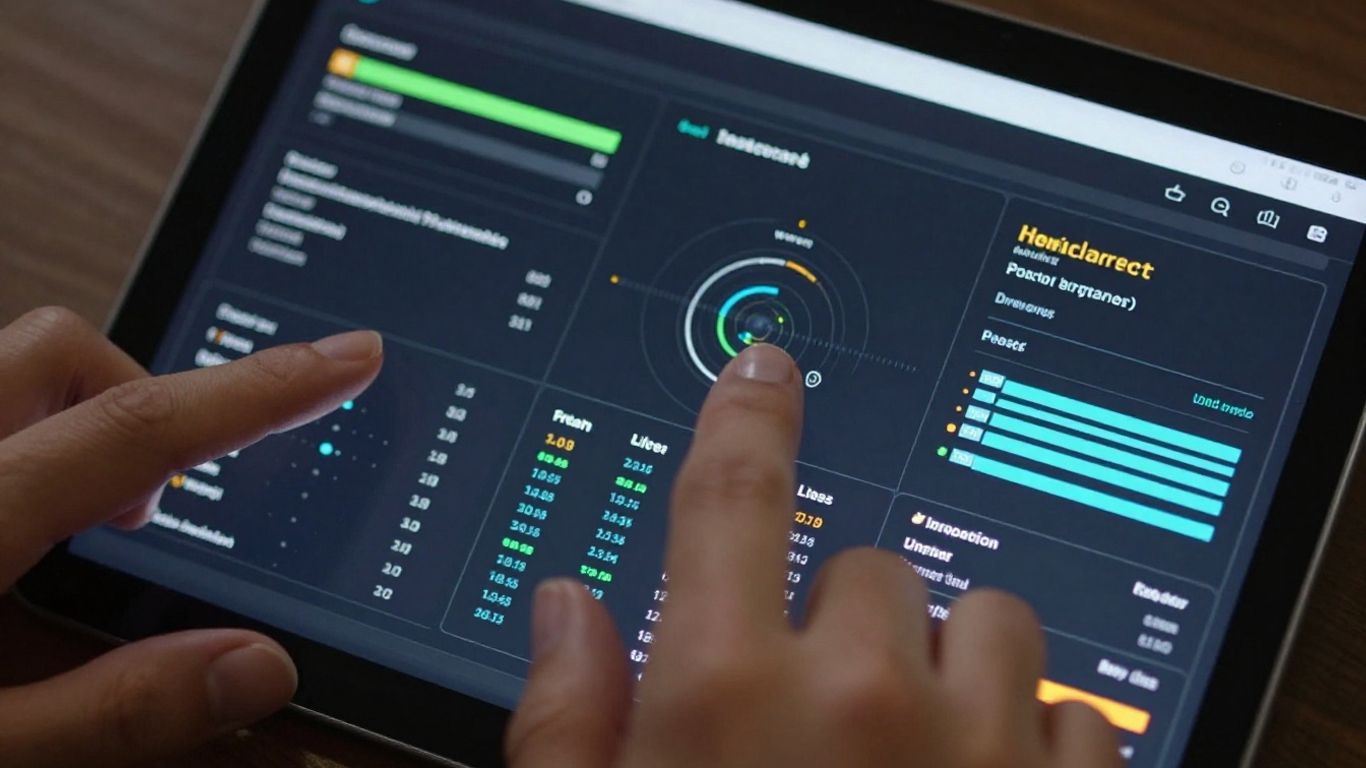
Buffer's simplified reporting capabilities
Buffer provides a high-level view that is perfectly adequate for maintaining cadence and ensuring brand stability. Its reporting is clean, making it easier to see at a glance whether you have met your basic milestones. For many, this Nikol Beauty level of clear policy and standard performance insight is enough, especially in the early stages of a project.
Granular metrics offered by CreatorsOS
When we look at advanced tracking, the difference in depth becomes clear. A highly granular approach might include a breakdown of audience interaction types across different time windows.
| Engagement Type | Performance Metric | Growth Potential |
|---|---|---|
| Direct Reply | 15% increase | High |
| Thread Views | 22% increase | Medium |
| Profile Visit | 8% increase | Moderate |
Using specialized data like this allows a creator to make calculated adjustments to their posting style.
Turning analytics into actionable content strategy
Data is only valuable if it dictates your next move.
- Audit existing high-performing posts for language tone.
- Identify peak interaction times for your specific demographic.
- Schedule future content to match these proven engagement windows.
- Refine long-term goals based on consistent, verified growth trends.
Applying these lessons directly to your upcoming cross-platform sync strategy helps bridge the gap between static numbers and active results.
Pricing and barrier to entry in 2026
Cost-benefit analysis for solo creators
Investing in software requires a clear look at your bottom line and time saved. Choosing a renovlies approach—durable, reliable, and solid—often beats chasing every shiny new feature that hits the market. Solo creators prioritize tools that pay for themselves quickly.
Scalability as audience size increases
As your audience grows, the manual effort required to manage your presence becomes prohibitive. Scalability refers to how easily a system handles increased loads without requiring expensive, labor-intensive interventions. You need a system that supports your reach without demanding more time than your business provides.
Hidden costs of fragmented workflows
Managing multiple, disconnected tools creates a silent drain on your resources. Every secondary login and copy-pasted analytics report adds up over the year. Minimizing those fragmented costs is the smartest move you can make for efficiency.
Choosing the right tool for your creator stage
The hobbyist vs. professional creator profile
Choosing the right path starts with an honest assessment of your current goals. Hobbyists find value in low-friction, simple tools, while professionals require a robust logic layer that supports business operations. The right decision hinges on your desire for manual control versus automated efficiency.
Prioritizing manual control vs. automated growth
Some creators thrive on deep, manual oversight, finding that hand-tuning every post provides the best brand feel. Others prefer delegating that heavy lifting to automated systems, allowing them to focus entirely on production. This balance is central to defining your strategy.
Evaluating long-term ecosystem compatibility
Look for tools that grow with you rather than forcing you to move platforms once you hit a certain scale. A reliable partnership with your software provider ensures you stay focused on your audience for years, not just months. Building on a stable foundation keeps your options open.
Conclusion
Selecting the right tool for your creator journey comes down to your unique stage of growth and your preferred level of technical involvement. By matching your operational needs to the right functionality, you can ensure your daily workflow supports your long-term vision without becoming a source of stress or complexity.
Frequently Asked Questions
How do I measure actual growth on social media platforms?
Growth is best understood by tracking shifts in audience engagement metrics, such as unique profile views and retention rates, rather than just simple follower counts.
Are general scheduling tools less effective than specialized ones?
They are not necessarily less effective, but they are designed for different purposes, focusing on consistency and ease of use rather than deep, platform-specific optimization.
Should I switch tools if my current workflow feels slow?
If you find yourself spending more time managing your tools than creating your content, it is likely time to explore faster, more integrated alternatives.
How does an automated workflow impact brand personality?
Automation maintains your posting consistency, but a strong brand personality requires regular, manual human intervention to ensure content remains authentic and responsive to current trends.
How can I justify the cost of advanced analytics tools?
Advanced tools are justified when the time they save you—and the revenue potential inherent in optimized content—outweigh the monthly subscription cost.
Does a smaller audience need specialized analytic software?
Smaller audiences can benefit from specialized software to identify and double-down on early growth drivers, though it is not strictly necessary until you reach a consistent volume of output.
Is it possible to use multiple social media management tools at once?
While possible, it is generally discouraged, as managing multiple dashboards often introduces the kind of workflow fragmentation that prevents efficient growth and data aggregation.